How I built the rooftop
Audio is temporarily unavailable.
I wanted my About page to give you a sense of who I am. I love telling stories, and when I get my hands on a new technology, I want to see what I can make with it. The rooftop is a self-portrait in both senses. The person standing there is me, and so is the curiosity that got me wondering what else an illustration could do.
It started with a drawing of me on a New York rooftop. I imagined you arriving halfway through an ordinary moment. The ivy moves a little. A bird might cross the skyline. If you turn the sound on, you can hear the street below. An illustration gave me room to play with fairly sophisticated tools in service of something simple. I wanted the roof to feel like a place you might stay for a minute.
The feeling I wanted
When I was a kid, I wanted to be an animator or a Disney Imagineer. I liked the idea of making a place someone else could step into. While working on the rooftop, I kept coming back to the railway platform at the beginning of Disney’s Paperman. There’s a dark figure against a pale skyline, a line of light along the jacket, and a train that sends a gust through the shot. You see the wind in the things it touches. I wanted a breeze on the rooftop to make sense in the same way, whether you notice it first in the ivy or in the shirt.
Giving the drawing depth
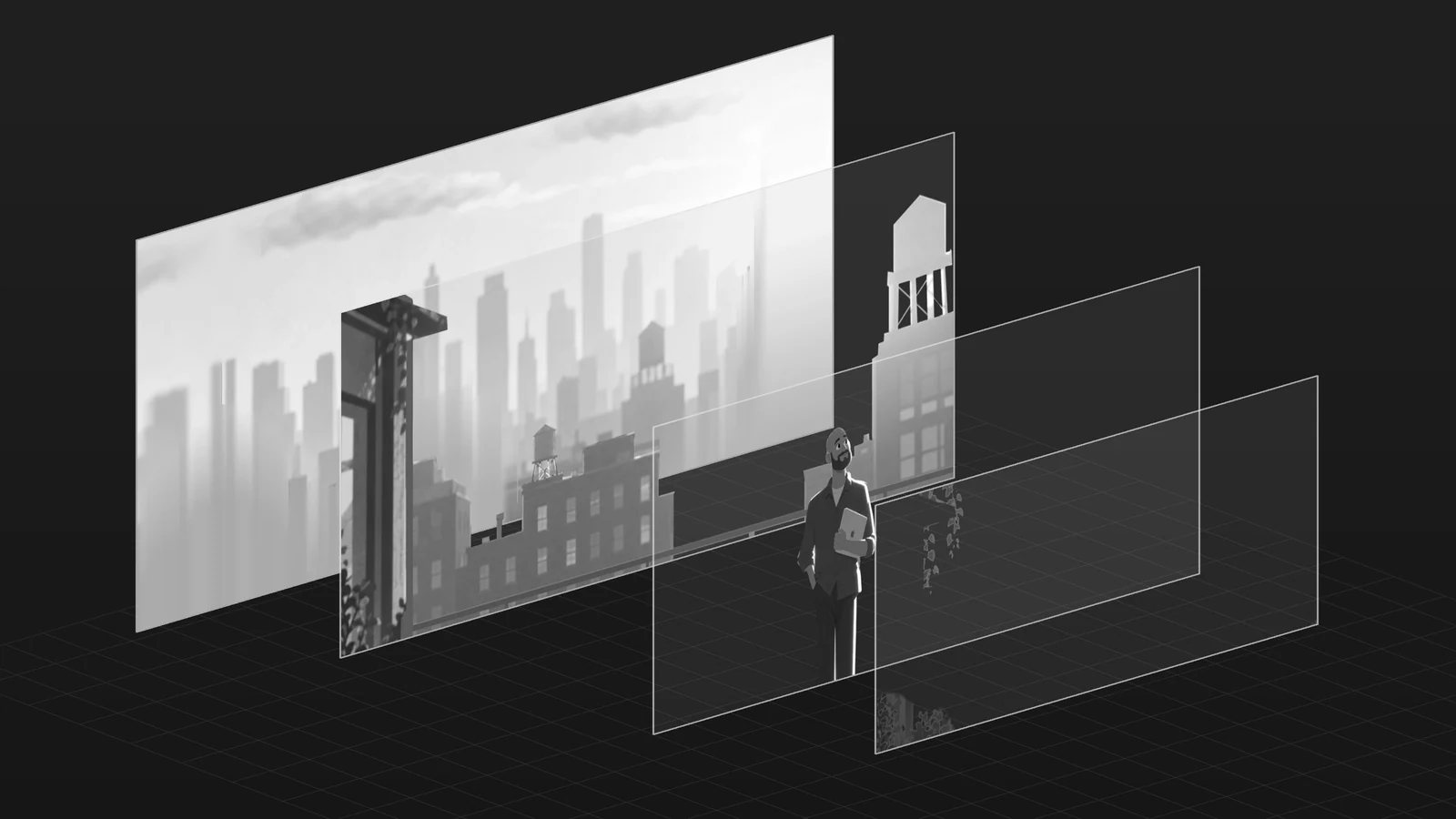
Disney’s artists used 3D animation and motion vectors to carry their hand-drawn lines across frames. That got me thinking about what geometry could do for my own illustration. I rebuilt the rooftop in Three.js from artwork that lines up at a single starting viewpoint. The distant city and the nearer buildings sit on separate planes. The portrait has shallow geometry of its own, and the ivy is split in two so the parts attached to the building stay put while the loose leaves can come forward. Disney’s production paper
The moving background already had buildings in it. Once I separated the city into layers, those baked buildings could show up twice as the perspective changed. A mask replaces them with a clean still in the parts that need it, while keeping the moving sky and distant events.
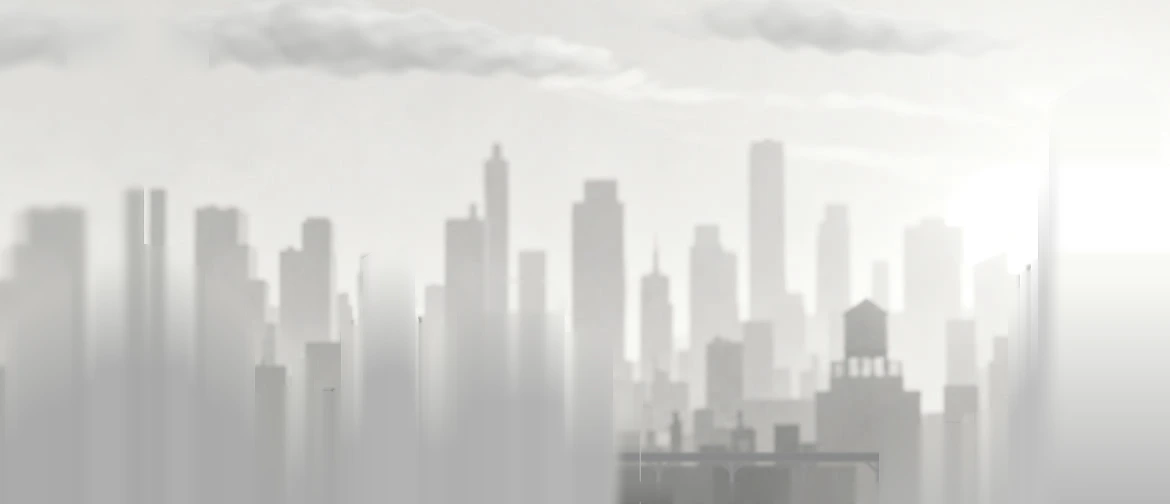
The sky and furthest buildings. In the live shot, this plane also carries the moving background.
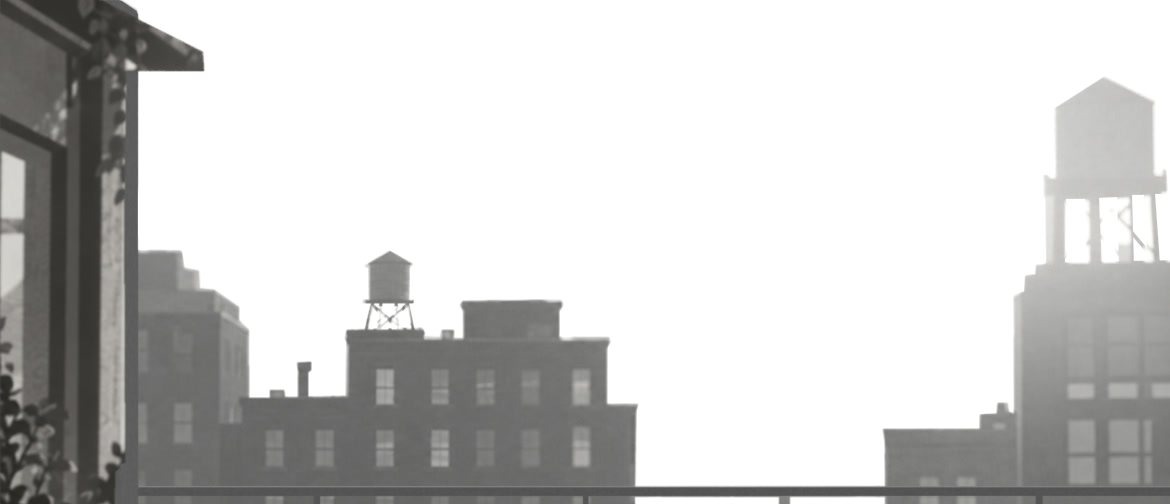
The closer buildings, roof edge and railing. Their separation from the sky lets the buildings pass in front of the moving air traffic.
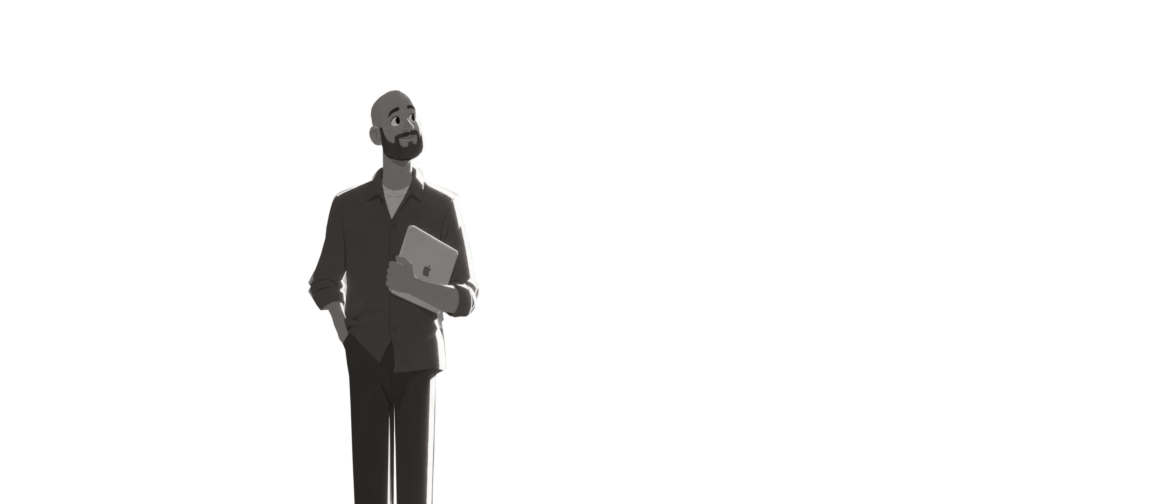
The flat fallback for the portrait. The live renderer wraps alternate drawings over separate head and torso meshes.
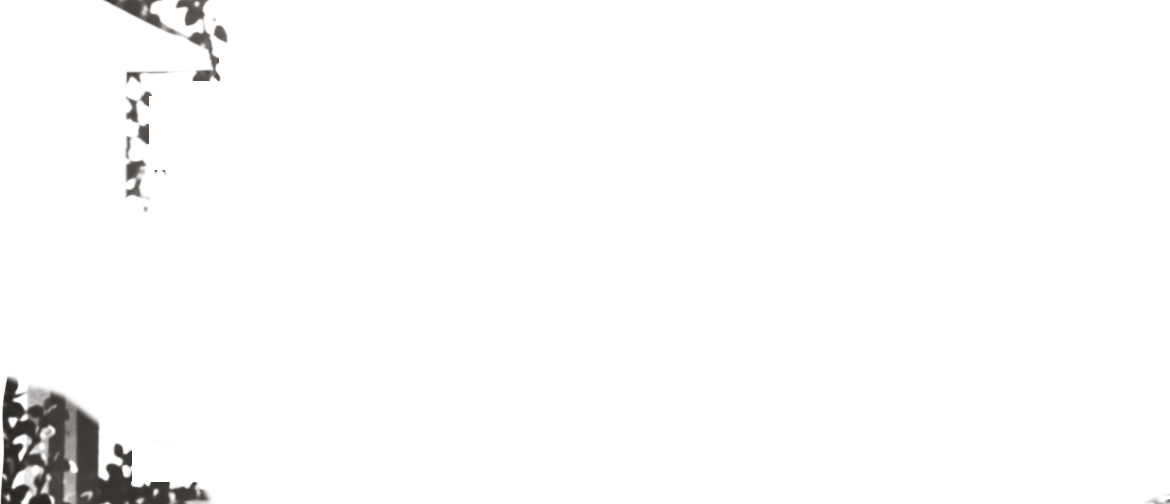
Two transparent passes for the foliage. Parts stay registered to the building while the free leaves can move closer to the viewer.
When you move
The browser can use your head position when you enable Camera parallax. Lean sideways and the railing shifts against the skyline while the portrait stays roughly in place. Lean in and the virtual camera moves closer, softening the nearest leaves and rail a little.
Finding the rooftop’s rhythm
I first tried having the character walk onto the roof and turn towards you. The moment I kept was the one after the entrance, when he was standing still and there was time to notice what else was moving. In Blender, I laid out a four-minute loop at 24 frames per second so a blink, a gust and a distant train could each have their moment.
In the browser, a timing file keeps track of the portrait’s blinks, head tilt, wind, cloth flutter and arm position. A shader picks from sets of drawings stored in textures. The head can tilt while the torso holds its shape, and a passing gust can move the shirt and ivy together. The background video provides the shared clock for that motion. Lighting follows the visitor’s local time from dawn to dusk, with a manual override in Scene overview.
Little things to find
Winter gave me an excuse to hide a few surprises. Snow settles on my shoulders and along the railing. Sweep your pointer over it and some of it comes loose, then slowly builds up again. My scarf moves in the breeze, lights twinkle by the window, and there’s a little Christmas tree tucked into the skyline. With sound on, there’s jazz from the shop.
Santa is easy to miss. Two minutes and fifteen seconds into the loop, his sleigh takes the path usually flown by an aircraft. A shader paints out the aircraft as it moves and draws the sleigh in its place. The reindeer’s legs move on their own, and the sound switches to bells. Reusing the path and timing let me give winter its own little moment without rendering the whole loop again.
Hearing the city below
I started with three recordings from New York, including one made more than ten floors up in Midtown and others near King Street and Canal Street. Filtering the traffic and placing it in the stereo mix gave it the distance I wanted. Wind, birds, rail and aircraft have their own cues. In the live scene, some sounds get quieter and lose high frequencies as you move away from them. Rooftop sound sources and credits
The stereo mix is built into the background video, and the foreground cues use Web Audio to follow the same clock. On systems that support it, the browser aligns a separate Dolby Digital Plus Atmos mix before switching over from stereo.
Audio is temporarily unavailable.
The part I enjoyed most was taking a still drawing and finding out, one detail at a time, what it would take to make it feel like a place. That mix of storytelling and figuring out how something works is what I wanted the About page to say about me. Spend a minute on the roof.